
Find Waupaca County Divorce Decree
Searching for a Waupaca County Divorce Decree usually begins with the public case view and ends with the county clerk when you need the signed order. That split is the key to the whole process. WCCA can tell you whether the case exists, which party names were used, and where the docket trail leads. The clerk of circuit court keeps the decree itself. If you only need to confirm a filing, the online record can get you moving fast. If you need a certified copy, the county file is still the source that matters.
Waupaca County Divorce Decree Search
Wisconsin Circuit Court Access is the first public tool most Waupaca County users should check. It lets you search by party name, business name, or case number, then narrow the results with county, case type, filing date range, and case status filters. For a Waupaca County Divorce Decree search, that means you can move from a broad guess to a specific case file without waiting on a clerk callback. The result page shows the filing date, party names, judge assignment, and docket history, which are the basic clues you need before asking for copies.
The portal is useful, but it is not the full court file. WCCA does not provide full-text document downloads, so the signed decree stays with the county court record. Sealed cases, juvenile matters, expunged files, and pre-judgment paternity cases are not shown. Older Waupaca County records may also be thin online, especially for filings before about 2000. That is normal. The search site is a locator, not the record itself.
If the case name is common, exact spelling matters. A prior married name, a middle initial, or a year range can make the difference between a useful hit and a blank screen. WCCA data is uploaded hourly when the system is running normally, so recent filings can lag a bit. That is why a Waupaca County Divorce Decree search works best when you keep the name, county, and filing year together.
Note: WCCA can point you to the case, but the county clerk still issues the certified Divorce Decree.
Waupaca County Divorce Decree Office
When a Waupaca County Divorce Decree is the goal, the Clerk of Circuit Court is the office that matters. That office holds the court file and can provide certified copies when the case is open to public release. The difference between a decree and a certificate is important here. A certificate is a vital record. The decree is the court order that shows how the divorce was entered. If a lender, title company, or another court asks for proof of the judgment, the decree is the record they usually want.
The WCCA portal image below reflects the public search step that most Waupaca County users take before they contact the clerk.
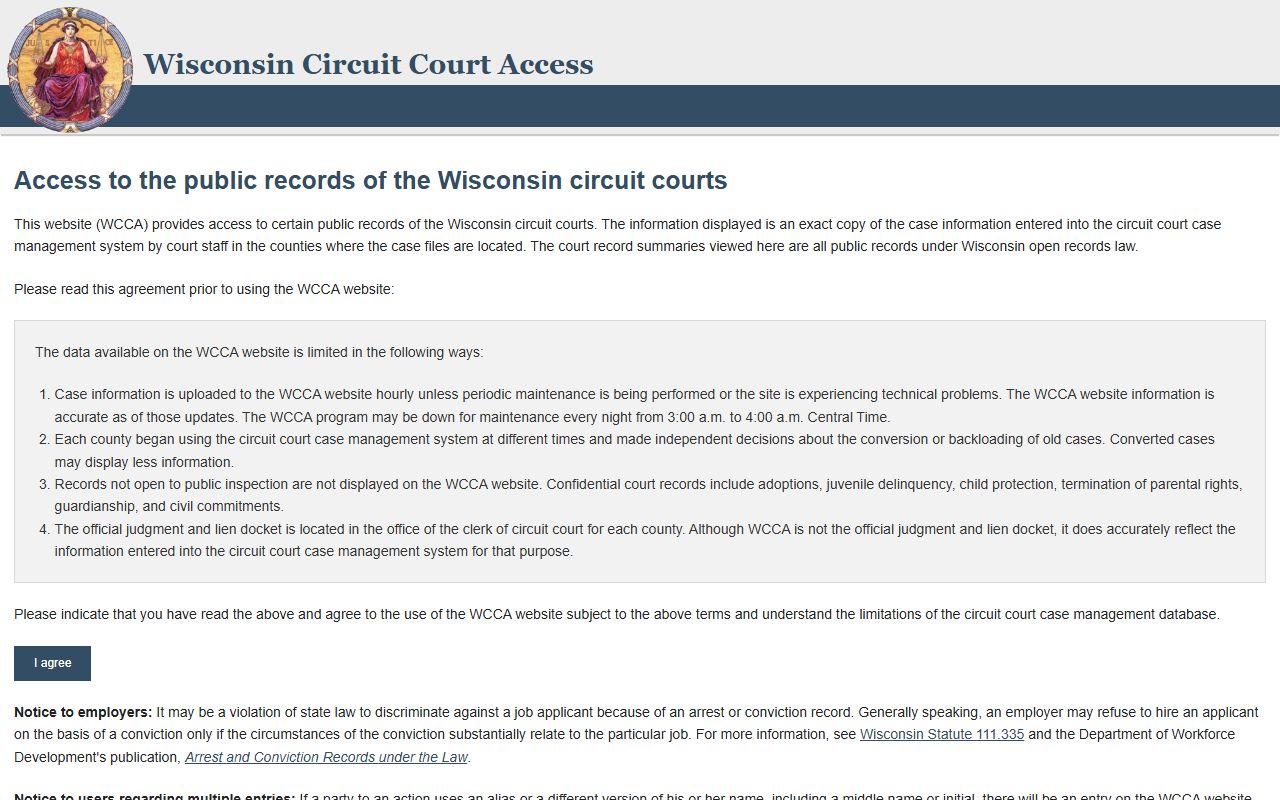
The image fits the search stage because it shows the public case path, not the signed order. That is the right way to think about a Waupaca County Divorce Decree request. Use the portal to confirm the case, then use the county office for the certified copy. If you already have the case number, the request gets easier. If you do not, the spouse names and filing year still give the clerk a workable starting point.
Waupaca County users often benefit from separating the public record from the official file before they request anything. The public site can show the docket trail. The clerk can issue the court copy. Once those roles are clear, the rest of the search moves faster and with less confusion.
Waupaca County Divorce Decree Forms
The statewide forms library at Wisconsin Circuit Court Forms is the right place to match the paperwork behind a Waupaca County Divorce Decree. Wisconsin family cases follow Wis. Stat. ch. 767, and the forms page is built to fit that structure. It includes the Petition for Divorce, Summons and Petition, Financial Disclosure Statement, Marital Settlement Agreement, and Judgment of Divorce. Those forms help you read the file, but they do not replace the decree copy kept by the county clerk.
The forms page is helpful even when you are not filing a new case. It gives you the labels used across the divorce process, which makes docket entries easier to understand. If a Waupaca County Divorce Decree search returns a form number or an order name you do not know, the forms library can translate that label into a plain filing step. That can save time when the case file is old or when the docket uses shorthand.
People often mix up a filed form with the final order. In practice, they do different work. A petition starts the case. A financial disclosure statement adds case detail. A judgment form points toward the final result. The actual decree is the signed court order at the end of the county file. That is why the forms page is useful, but not enough by itself, when the goal is a certified Waupaca County Divorce Decree.
Waupaca County Copy Fees
Wis. Stat. ch. 814 sets the fee rules that matter when you ask for a Waupaca County Divorce Decree copy. The research says a certified copy costs $5.00 per document plus $1.25 per page. That is the county court fee side. If you only need a plain copy, the charge may be different. If you need a search because you do not have a case number, the clerk may also apply a separate search fee under the same chapter. The exact amount depends on the service you request.
The state vital-records page helps separate the decree from the certificate side of the record. The Wisconsin Vital Records Office keeps divorce certificates from October 1907 to the present, but it does not keep divorce decrees. Certified certificates cost $20.00 for the first copy and $3.00 for each extra copy of the same record ordered at the same time. For divorces on or after January 1, 2016, any Wisconsin Register of Deeds office can issue an eligible certificate. That can be useful when a certificate is enough, but it does not replace the Waupaca County court order.
So the request choice matters. If the question is, "Did this divorce happen?" a certificate may answer it. If the question is, "What did the judge order?" you need the decree. A Waupaca County Divorce Decree request should say that plainly, because the clerk and the vital-records office do not handle the same record.
When a request is clear, the fee path is clearer too. Names, a year range, and a county are usually enough to get started. A case number from WCCA makes the request even cleaner and reduces the chance of a second round of questions.
Waupaca County Records Help
The Wisconsin State Law Library is a useful backup when a Waupaca County Divorce Decree search gets stuck on a docket term or a filing label. The library’s guides explain how WCCA works, what the public portal shows, and how to move from a docket summary to the right county office. It does not give legal advice, but it can help you understand the record trail before you make a copy request.
That matters because the public search, the forms page, the fee chapter, and the county clerk each play a different role. The law library helps keep those roles straight. It can also point you to local court rules and research tools when a case is older or the docket is harder to read. If the file looks incomplete online, that does not mean the decree is missing. It often means the public index is thin and the county file still has the real record.
The cleanest Waupaca County Divorce Decree path is simple. Search the public portal, review the forms if the docket language is unclear, and then ask the county clerk for the certified court copy. That sequence keeps the request focused and makes it more likely that the first answer you get is the right one.
Note: A docket summary can guide the search, but the signed decree only comes from the county court file.