
Walworth County Divorce Decree Records
Walworth County Divorce Decree research follows the same state path as every other Wisconsin county, but the county file still controls the official copy. Start with the public case search if you want to confirm the filing, the status, or the docket trail. Then move to the Walworth County clerk of circuit court when you need the signed decree itself. That split keeps the search efficient. It also keeps you from ordering the wrong record when you really need a court order instead of a certificate or a docket printout.
Walworth County Divorce Decree Records
Wisconsin Circuit Court Access is the best first stop for Walworth County Divorce Decree records. It shows the information that court staff entered into the circuit court system, which means you can review the filing date, party names, case number, case status, judge assignment, and the moving docket. The public site is broad enough to handle divorce searches, but it is not a document vault. It gives the trail, not the whole packet.
That difference matters because WCCA does not include full-text downloads. It also excludes sealed matters, juvenile cases, pre-judgment paternity cases, and expunged records. Older Walworth County cases may have limited online coverage, especially if the filing happened before about 2000. That is why a Divorce Decree search should use the public view as a locator instead of a final answer. It is useful, but it is not the signed order.
Walworth County users get the best results when they treat the public case page as a map. The result tells you which case to ask about, which names were used, and which year range makes sense. Once that is clear, the county clerk of circuit court can pull the file and help you move from the public summary to the certified record. That is the cleanest path when another office wants proof of the divorce.
Walworth County Decree Search
A Walworth County Divorce Decree search goes faster when you keep the starting facts small and exact. A spouse name, a second name if one changed during the marriage, a case number, or a rough filing year can narrow the list fast. If the name is common, the county filter and status filter are useful. If you already have the case number, use that first. It cuts through the noise and gets you to the right case record with less effort.
WCCA shows a running docket and a case summary, so it can tell you how a case moved through court without giving you the signed judgment packet. That is enough for basic confirmation. It is not enough when a bank, another court, or a title company wants a certified Divorce Decree copy. The public site can show that the matter was filed and finished, but the county clerk still holds the paper file that matters for certified output.
That is especially helpful in Walworth County because two cases can look similar if the parties share a surname or the filing year is crowded. A careful search helps you avoid the wrong file, and that saves time later when you contact the clerk. If you keep the names, year range, and case number aligned, the search result becomes a clean lead instead of a loose guess.
Walworth County Divorce Decree Forms
The forms page at Wisconsin Circuit Court Forms is the core statewide source for the paperwork used in a Walworth County divorce. The site includes the Petition for Divorce, Summons and Petition, Financial Disclosure Statement, Marital Settlement Agreement, and Judgment of Divorce. Those forms sit inside the chapter 767 process, and Wis. Stat. ch. 767 lays out the divorce framework for Wisconsin family cases.
The forms site is useful because it gives Walworth County users the same statewide language the clerk expects to see. You can browse by case type, search a form number, or look up a keyword if you only remember part of the title. That matters when you are trying to tell a filing form from a final judgment form. It also keeps the paperwork in step with the county case file, which helps when a later Divorce Decree request depends on the right docket entry.
The Wisconsin Court System homepage at Wisconsin Court System points users to WCCA, forms, self-help, and local rules. If you need electronic filing, the circuit eFiling page at Wisconsin eFiling System explains the filing process for registered users and the confirmation you get after submission. That is useful when a Walworth County case is still active and the paperwork has to move before the final Divorce Decree is entered.
Walworth County Divorce Decree Copies
Certified copies of a Walworth County Divorce Decree come from the clerk of circuit court, not from the state vital records office. The Wisconsin Vital Records Office keeps divorce certificates from October 1907 to the present, but it does not keep the county decree itself. That is the key split. A certificate can help prove a divorce event, while the decree is the court order that came out of the Walworth County file.
The state page also explains the certificate rules, including the statewide issuance system that began on January 1, 2016 and the fee schedule for certified copies. For the county decree copy, Wis. Stat. ch. 814 supplies the copy fee, the per-page fee, and the search fee if the clerk must look for the record without a case number. That is why a request with the right party names and year range tends to move faster in Walworth County.
Walworth County users often start by checking the public docket and then jump to the wrong office for a certified copy. The better path is to separate the search from the request. Use WCCA to find the case, use the vital records page only if you need a certificate, and use the county clerk for the decree. That keeps the request clean and avoids unnecessary backtracking.
Note: The county clerk can issue the certified Divorce Decree copy, while the state vital records page is for divorce certificates.
Walworth County Records Help
The Wisconsin State Law Library is a useful guide when a Walworth County Divorce Decree search leaves you with more questions than answers. Its materials explain how to use WCCA, how to read docket entries, and where to look for county court rules or related legal research. That is especially helpful when the case summary shows a hearing, a filing, or a final status, but you still need to understand what the entry means.
The law library does not give legal advice, but it can help you build the right record request. It can point you toward the right chapter 767 language, the forms page, and the court-system pages that support public research. For Walworth County users, that makes the record path clearer. You do not have to guess whether you need a certificate, a decree, or a docket printout.
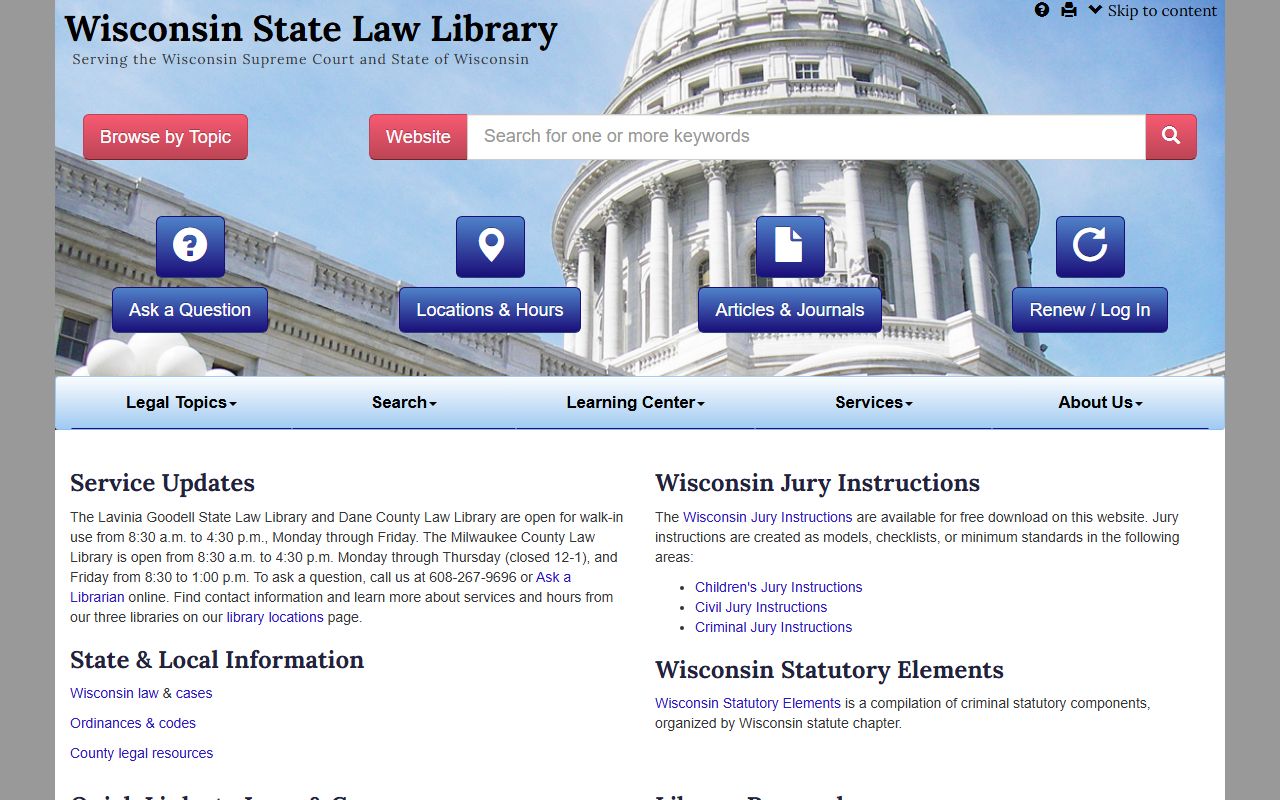
The image below comes from the Wisconsin State Law Library page and works as a reminder that research support and record access are related, but not the same thing. It is useful when you need to interpret the public case trail before you ask the county clerk for the signed Divorce Decree. Once you understand the docket, the request usually becomes straightforward.
After you identify the case, move from the public summary to the county file. That is the part that gives the decree legal value in Walworth County. If you need to compare the public record with the official court file, the law library is a good place to confirm the path before you ask the clerk for copies.