
Search Portage County Divorce Decree
Portage County Divorce Decree research usually begins with the public case view, then moves to the county clerk when you need the signed order. That split keeps the search simple. WCCA can show the filing date, party names, judge, and docket trail, while the Portage County court file holds the decree itself. If you only need to confirm that a case exists, the online record is fast. If you need proof for a bank, a name change, or another court matter, the county copy is the one that matters. Start with the case details you know, then narrow the record from there.
Portage County Divorce Decree Records
Wisconsin Circuit Court Access is the first public tool most Portage County users should try. It shows circuit court data entered by court staff and posted as a public case summary. You can search by party name, business name, or case number, then narrow by county, case type, filing date range, and case status. For a Portage County Divorce Decree search, that is often enough to confirm the case and see where it sits in the timeline.
The portal is useful, but it is not the full file. It gives docket information, case status, party names, judge assignment, and hearing and filing history, yet it does not provide full-text document downloads. Sealed matters, juvenile cases, pre-judgment paternity cases, and expunged files are not open there. Older Portage County records may also be thin online, especially if the filing was before about 2000. That is normal, and it is why WCCA works best as a locator rather than the final record source.
For Portage County users, the main job is to match the public entry to the right court file. A short summary can still point you to the right decree if you know the names and an approximate year. If the case is recent, the update may lag a little. If it is old, the electronic trail may be partial. Either way, the clerk of circuit court remains the office that can supply the certified Portage County Divorce Decree copy.
Portage County Court Search
A Portage County court search works best when you keep the first pass narrow. Use the exact names from the case if you have them. Add the case number when possible. If you do not have that much detail, use the county filter, the case type filter, and a tight filing year range. That keeps the search from filling up with unrelated civil cases and makes it easier to spot the real divorce entry.
WCCA is a record map, not a file cabinet. You can see whether the matter is open or closed, which judge is assigned, and which hearings or filings are on the docket. You cannot pull a scanned decree from the site. That means a Portage County Divorce Decree search may answer the first question, but it will not replace the clerk copy if you need a signed order.
The county search also helps when names are common. A broad search can return several people with the same surname, especially if the case is older. The public site gives you the clues you need to sort those hits. Once you have the right case number, the request to the county clerk becomes much cleaner, and the decree lookup is less likely to bounce back and forth.
Portage County Divorce Decree Forms
Wisconsin family actions follow Wis. Stat. ch. 767, and that chapter is the legal frame behind a Portage County Divorce Decree case. The state forms page at Wisconsin Circuit Court Forms is where the basic filing papers live. It includes the Petition for Divorce, Summons and Petition, Financial Disclosure Statement, Marital Settlement Agreement, and Judgment of Divorce forms that fit the divorce path in any county.
The forms page helps because it keeps the filing language steady across Wisconsin. Portage County users can browse by case type or search by form number and keyword. That makes it easier to tell a petition from a final judgment or a disclosure form. The paperwork supports the case, but it is not the same thing as the signed Portage County Divorce Decree. The decree is the final order, and the county court file is where it belongs.
The forms site also gives self-help guidance for people handling their own cases. That matters if you are still in the filing stage and want to know what should already be in the file before you ask for the decree. Chapter 767 covers the divorce case itself, but the forms page shows the working pieces that move the case toward judgment. Keeping those pieces separate helps Portage County users avoid asking for the wrong document at the wrong time.
Portage County Divorce Decree Copies
Copy fees and search fees are guided by Wis. Stat. ch. 814. In Portage County, the final price depends on whether you need a plain copy, a certified copy, or a records search without a case number. Under that statute, a certified copy is $5.00 per document, uncertified copies are $1.25 per page, and a file search without a case number is $5.00. A certified copy is the safer pick for official use because it shows the decree came from the court file and was certified by the clerk.
The Wisconsin Vital Records Office page helps sort out a divorce certificate from a Portage County Divorce Decree. The state office keeps divorce certificates from October 1907 to the present, but it does not keep the decree itself. Those decrees stay with the Clerk of Circuit Court in the county where the divorce was granted. The page also explains that statewide certificate issuance began on January 1, 2016, and that any Wisconsin Register of Deeds office can issue a certificate for an eligible divorce on or after that date.
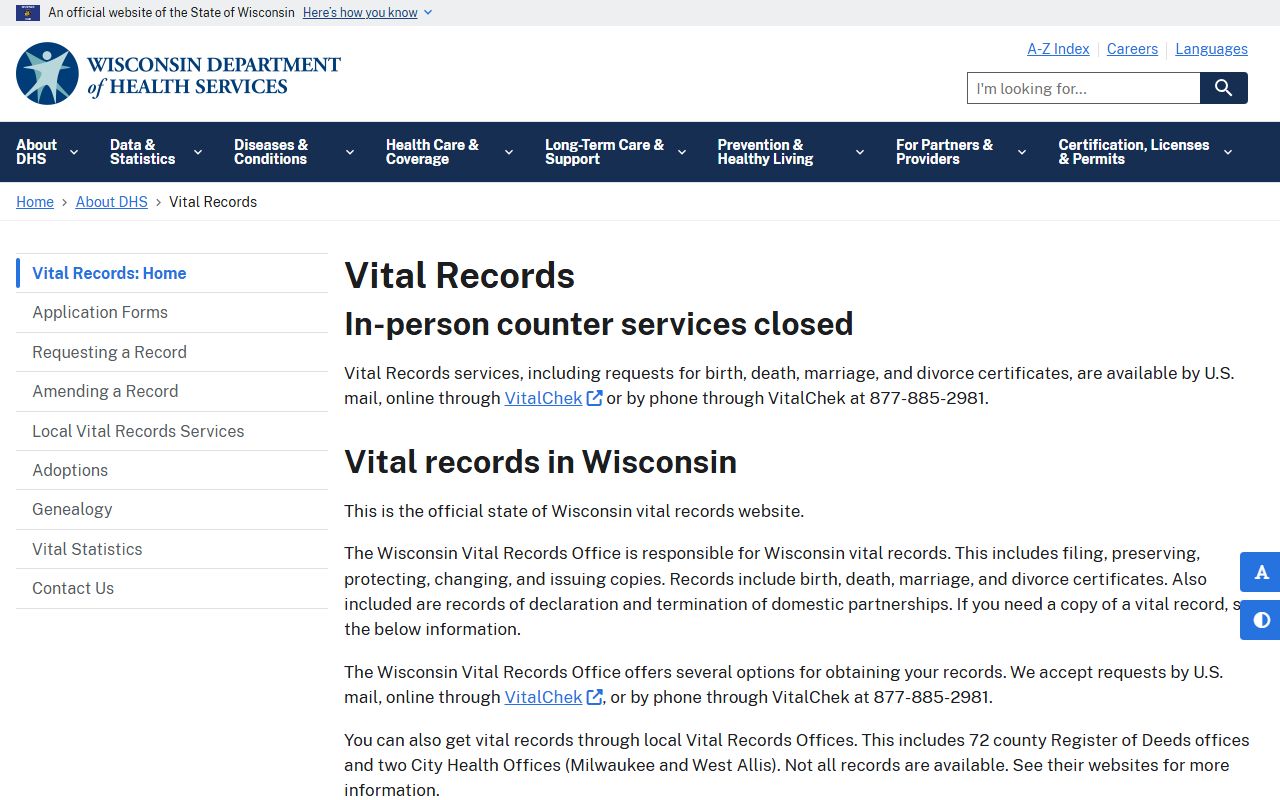
The image from the Wisconsin Vital Records Office page shows why the certificate path and the decree path are not the same. The photo below is a state fallback, but it still points Portage County users back to the right record source. The county decree is in the court file, while the state office handles the certificate side of the record.
That difference matters when you need the record for a legal use. The Vital Records page also lists the fee pattern for certified divorce certificates, which is $20.00 for the first copy and $3.00 for each additional copy ordered at the same time. If you are requesting the decree instead, include the case number when you have it, or give the full names and a rough filing year. That gives the Portage County clerk the best chance of finding the right court file quickly.
Portage County Records Help
The Wisconsin State Law Library is a solid place to slow down and read the record trail with care. Its guide to understanding the Wisconsin Circuit Court Records Website explains what WCCA shows, what it leaves out, and how to read docket entries. It also links users to local court rules by county, lawyer referral services, and self-help tools that can make the Portage County Divorce Decree search easier to follow.
That help matters when the public record is short. A docket line may show a filing or a hearing, but not the document itself. The law library can help you decide when the WCCA result is enough and when the county clerk must step in. It is also a good place to check the wording in Chapter 767 and the fee rules in Chapter 814 without guessing at the meaning of a docket note.
For Portage County users, that means the path stays in order. WCCA gives the public view. The forms page shows the filing papers. The vital records page explains the certificate split. The county clerk still holds the Portage County Divorce Decree copy that carries the final weight.